
META_FRAME
With today's photo mission, discover new scenes from everyday life.
An iPhone app for discovering scenes through 500 illustrated missions and keeping photos, records, and photo books.
View experience flow
WHY THIS PROJECT
Who is this experience for?
Users who want to revisit familiar daily life through new shooting missions and the fun of collecting
Meet 500 illustrated missions across six categories: observation, composition, light, color, story, and play. Start at beginner, intermediate, or advanced difficulty and choose one of up to four candidates each day. Tap the illustration to flip the card and reveal shooting instructions and conditions.
Review your plan and tips, then take a photo in the app or select one with the system photo picker. Planning and a short note after shooting are optional. You complete the mission yourself; there is no AI assessment.
Enjoy your photos on the board and revisit the mission, plan, and notes from that moment. Star favorite photos and turn selected photos into a photo book to share as a PDF. You can export completed records and photo books as a backup file and restore them. Automatic synchronization between devices is not supported.
An optional walkthrough lets you practice pressing the shutter, flipping a card, taking a photo, and viewing the board with example screens. Skip it or replay it in Settings. It does not affect your actual records or daily mission draws.
HOW IT WORKS
How it works
The experience we are building and its key steps.
- 01
Illustrated missions in six categories
Explore 500 missions in observation, composition, light, color, story, and play at beginner, intermediate, or advanced difficulty.
- 02
Up to four choices
Choose one of up to four candidates each day and tap the illustration to see shooting instructions and conditions.
- 03
Plan, then shoot
After reading the pre-shooting ideas and tips, take a photo with your camera or select a photo from the album.
- 04
Board, photo books, and backup
Revisit photos, missions, and notes on the board and add stars. Share frame cards and photo book PDFs, and export completed records and photo books as a backup file or restore them.
Actual product screens
Actual screens from a pre-release build
Actual screens from a pre-release build. Photos and records are demo data; some screens may differ from the current App Store version.
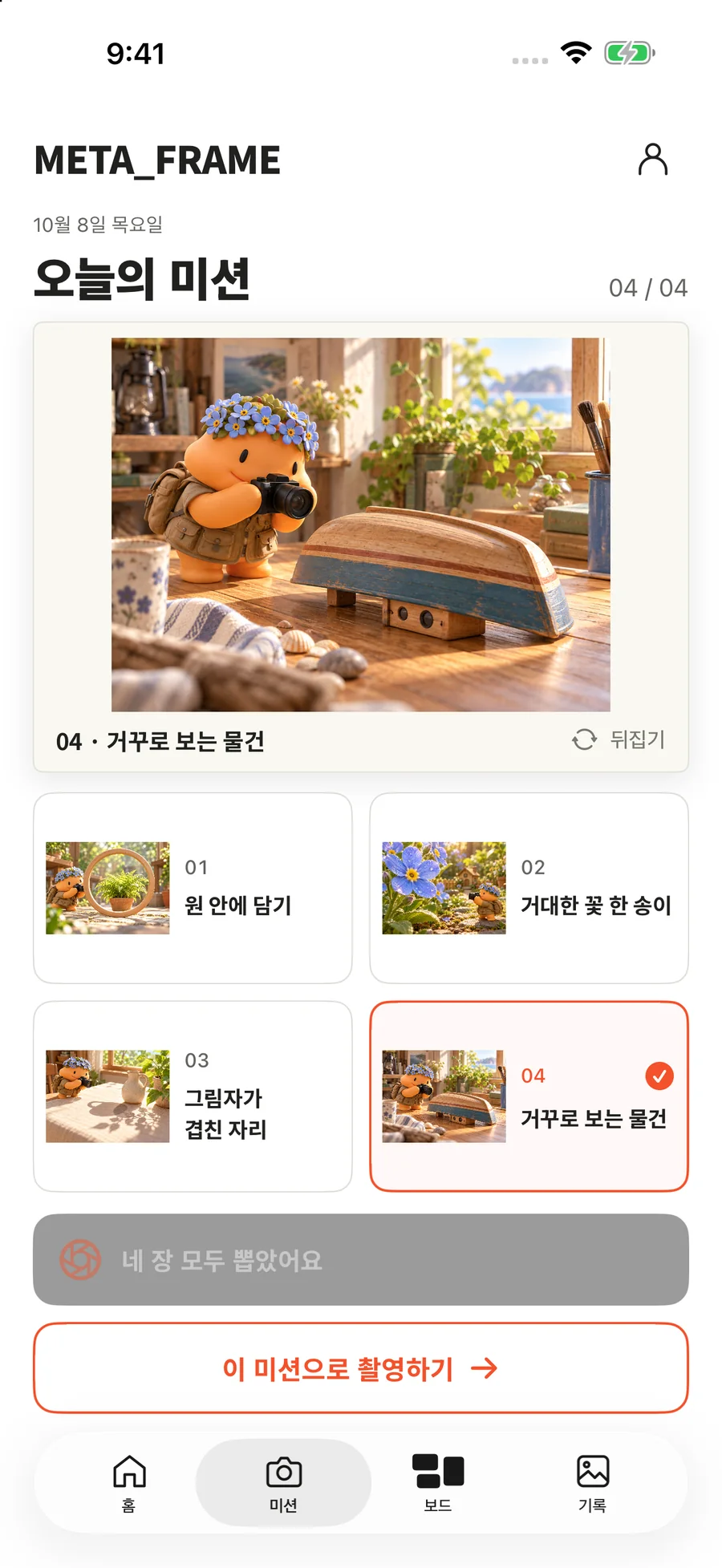
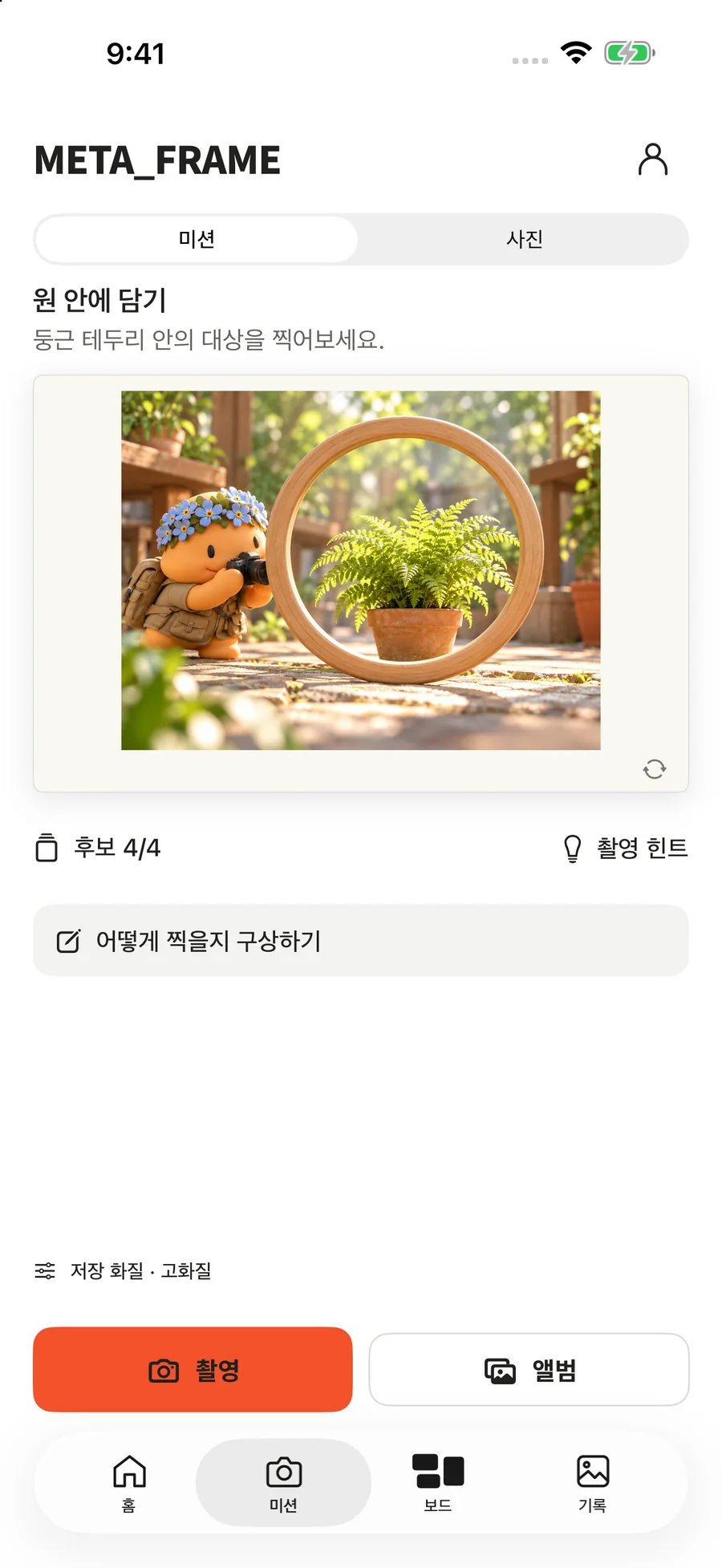
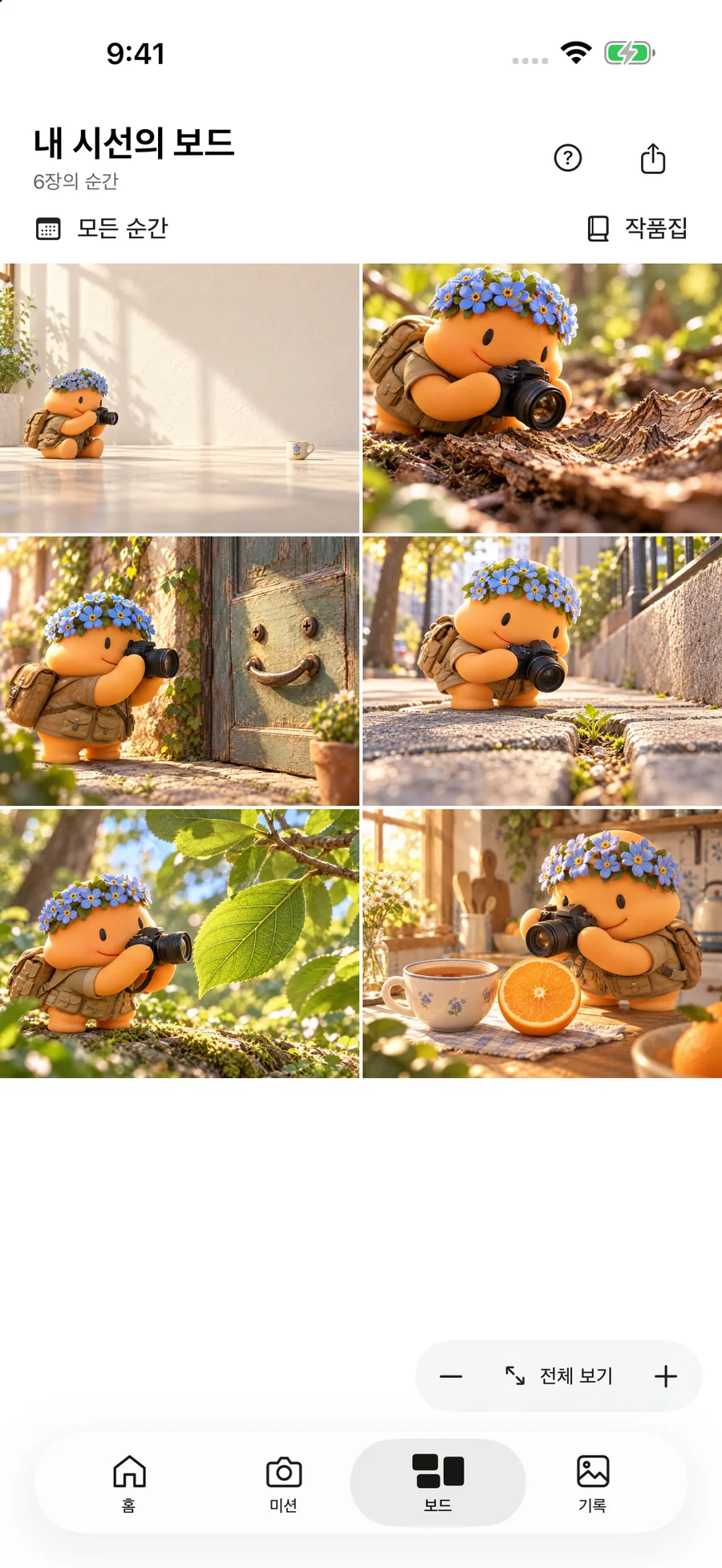
- Available now
- META_FRAME 1.0 on the App Store · Screens below captured in a simulator on October 8, 2026
- Not yet public
- New screen captures taken after release
- Last updated
- 2026-10-17

PROJECT HIGHLIGHTS
Project highlights
- Illustrated missions in six categories
- Up to four choices
- Plan, then shoot
- Board, photo books, and backup
CURRENT STATUS
Available on the App Store
META_FRAME is available to download on the App Store. It supports iPhone with iOS 17.0 or later, and the app language is Korean. Check the official download link below for current availability.