
Share a frame card
Turn a chosen photo into a frame card and share it yourself.
META_FRAME
Available on the App Store · iPhoneFind a new photographic cue in an ordinary day. Discover missions through Heugi’s illustrations and keep a record of the scenes you capture.
An iPhone app for discovering scenes through 500 illustrated missions and keeping photos, records, and photo books.
iPhone · iOS 17.0 or later · App language: Korean

Meet 500 illustrated missions across six categories: observation, composition, light, color, story, and play. Start at beginner, intermediate, or advanced difficulty and choose one of up to four candidates each day. Tap the illustration to flip the card and reveal shooting instructions and conditions.
Press the shutter for your first mission, then draw up to three more. Compare four candidates and choose the scene you want to capture today.
An optional walkthrough lets you practice pressing the shutter, flipping a card, taking a photo, and viewing the board with example screens. Skip it or replay it in Settings. It does not affect your actual records or daily mission draws.
The shown candidates are examples drawn randomly in the app.
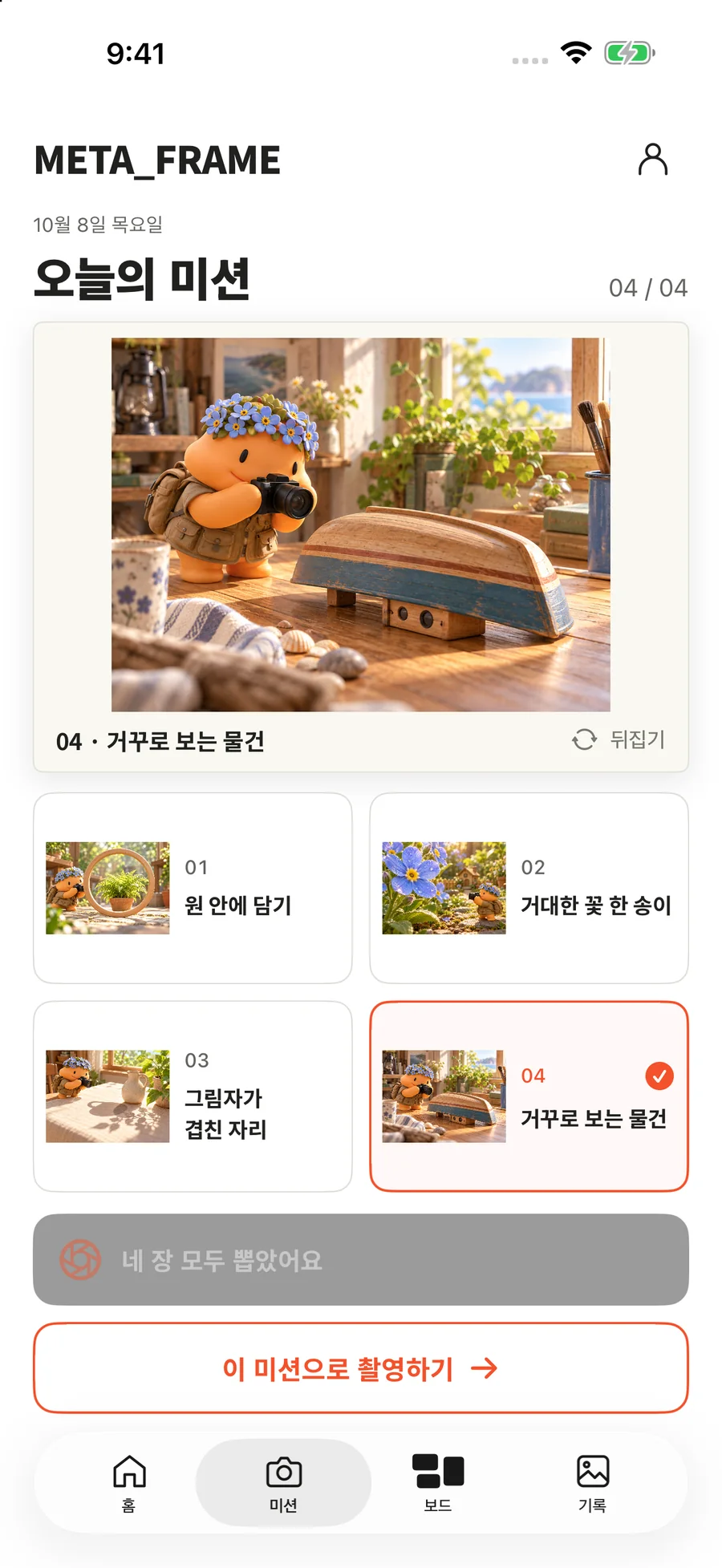
Once all four candidates are drawn, further draws are disabled.
View larger screenFind a cue in Heugi’s illustration on the front. Tap the picture to flip the card and see the shooting instructions and conditions.
Review your plan and tips, then take a photo in the app or select one with the system photo picker. Planning and a short note after shooting are optional. You complete the mission yourself; there is no AI assessment.
These two screens show the front and back of the same “Frame it in a circle” mission.
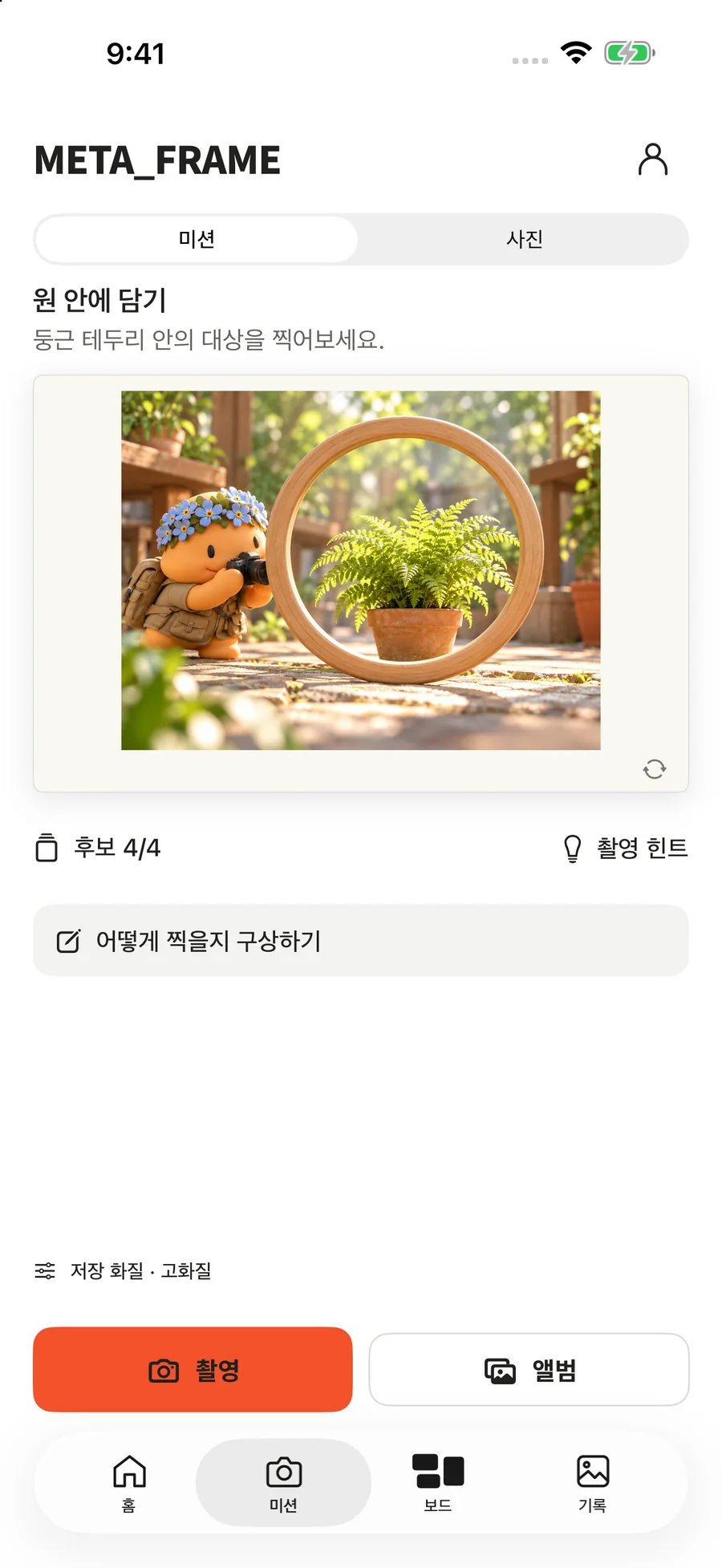
The front of the Frame it in a circle mission. The illustration helps you consider the scene to capture.
View larger screen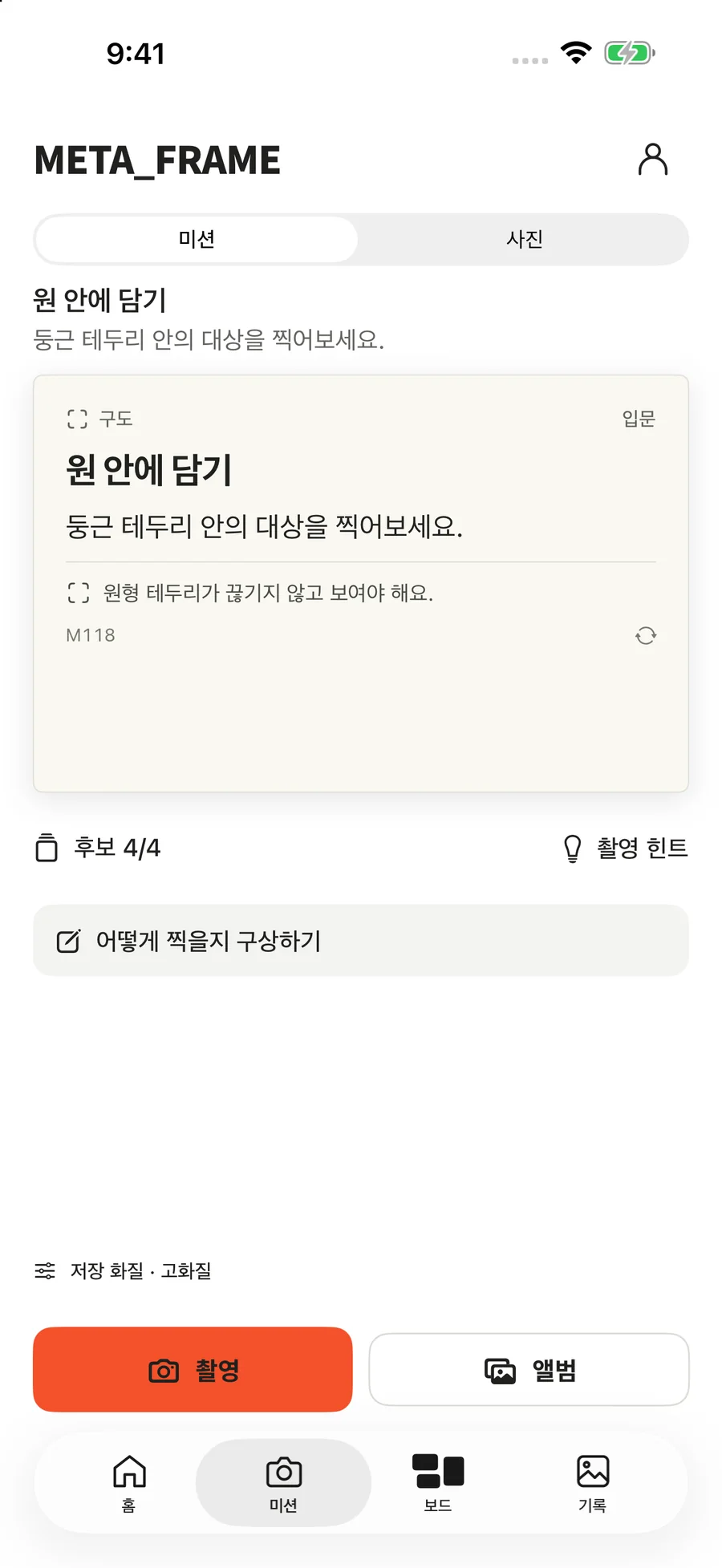
The back of the same mission. Check the condition to keep the circular border in the frame.
View larger screenEnjoy your photos on the board and star your favorite moments in records. Open a photo to revisit the mission, plan and notes from when you completed it.
The board uses Heugi illustrations as demonstration photos. These are not photos taken by users or evidence of improved skills.
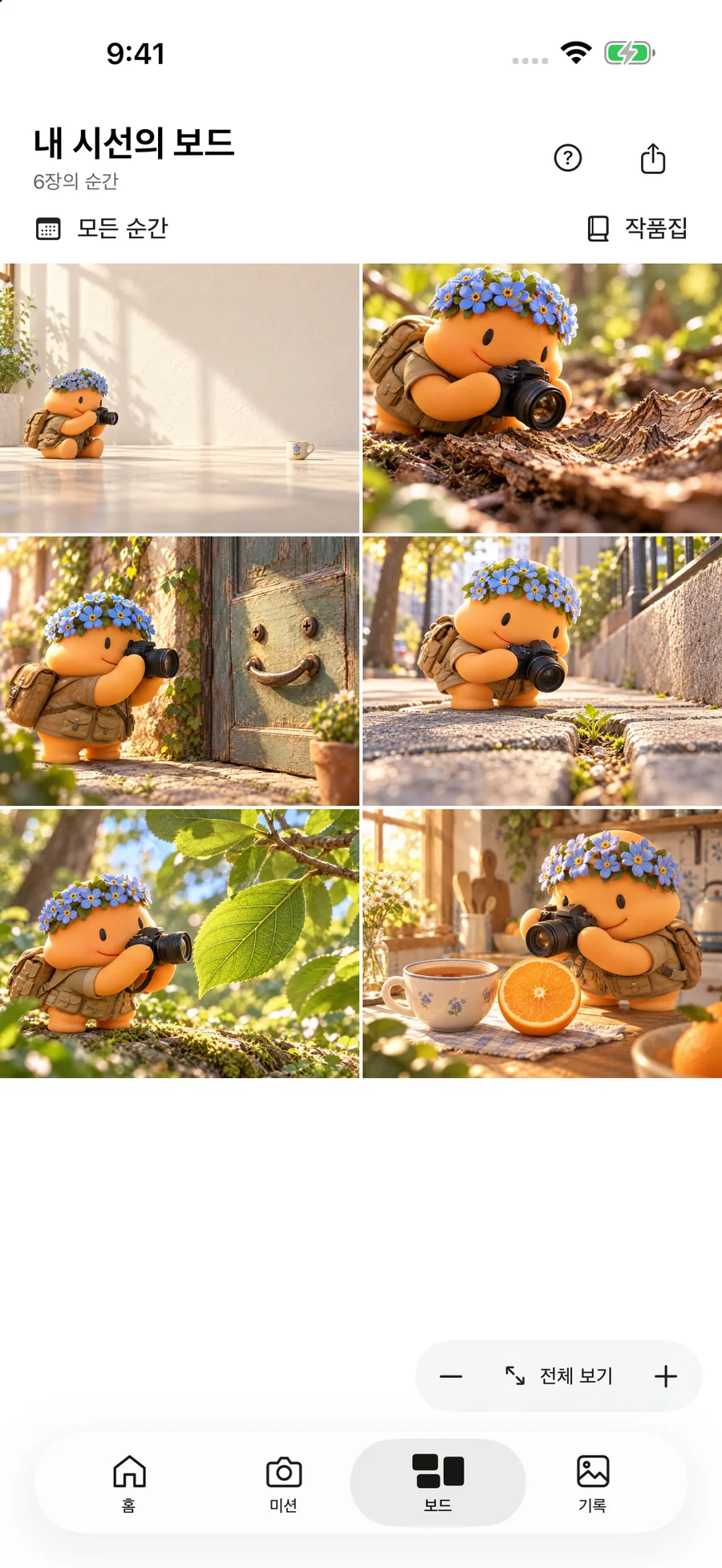
Heugi illustrations on the board are demonstration photos used to show the feature.
View larger screen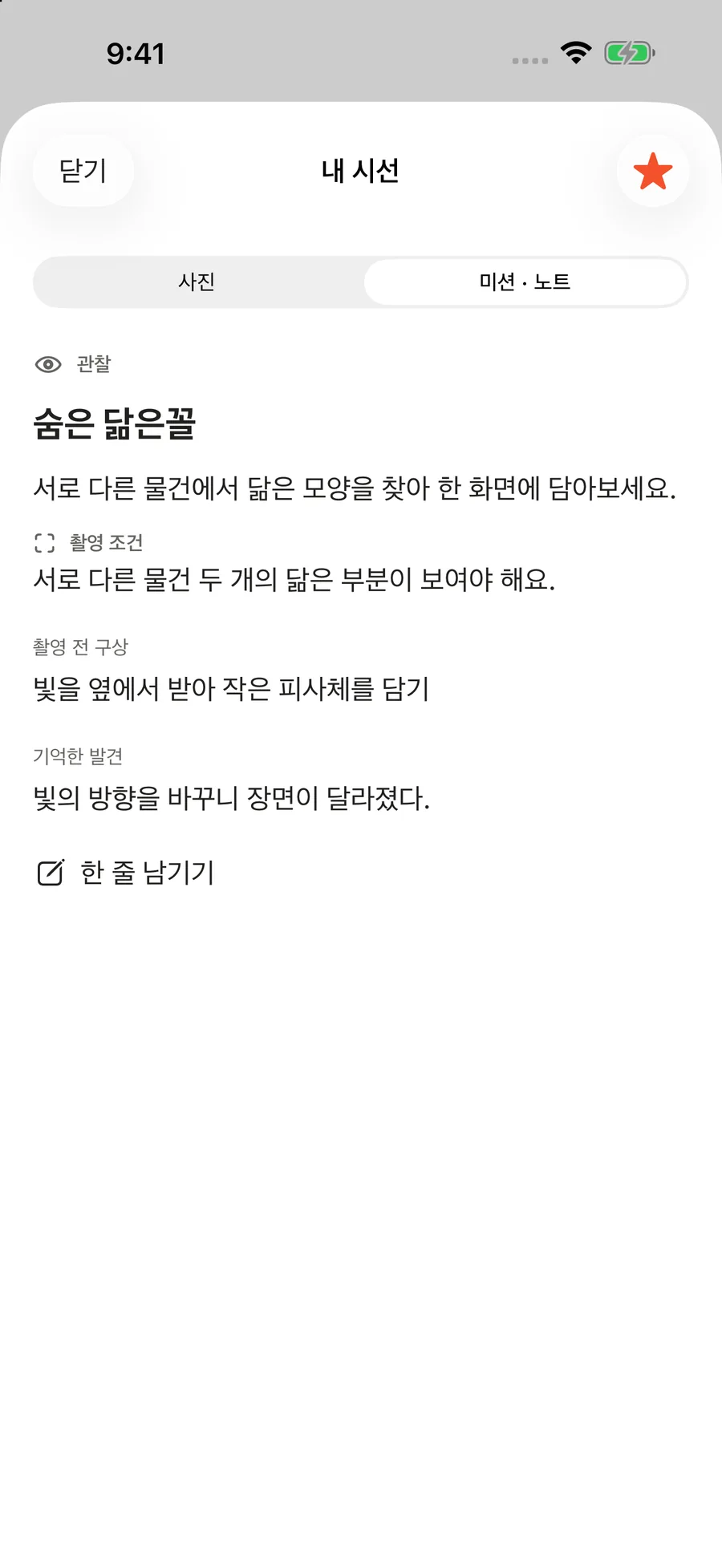
Revisit the mission and conditions, your shooting plan and notes.
View larger screenActual screens from a pre-release build. Photos and records are demo data; some screens may differ from the current App Store version.
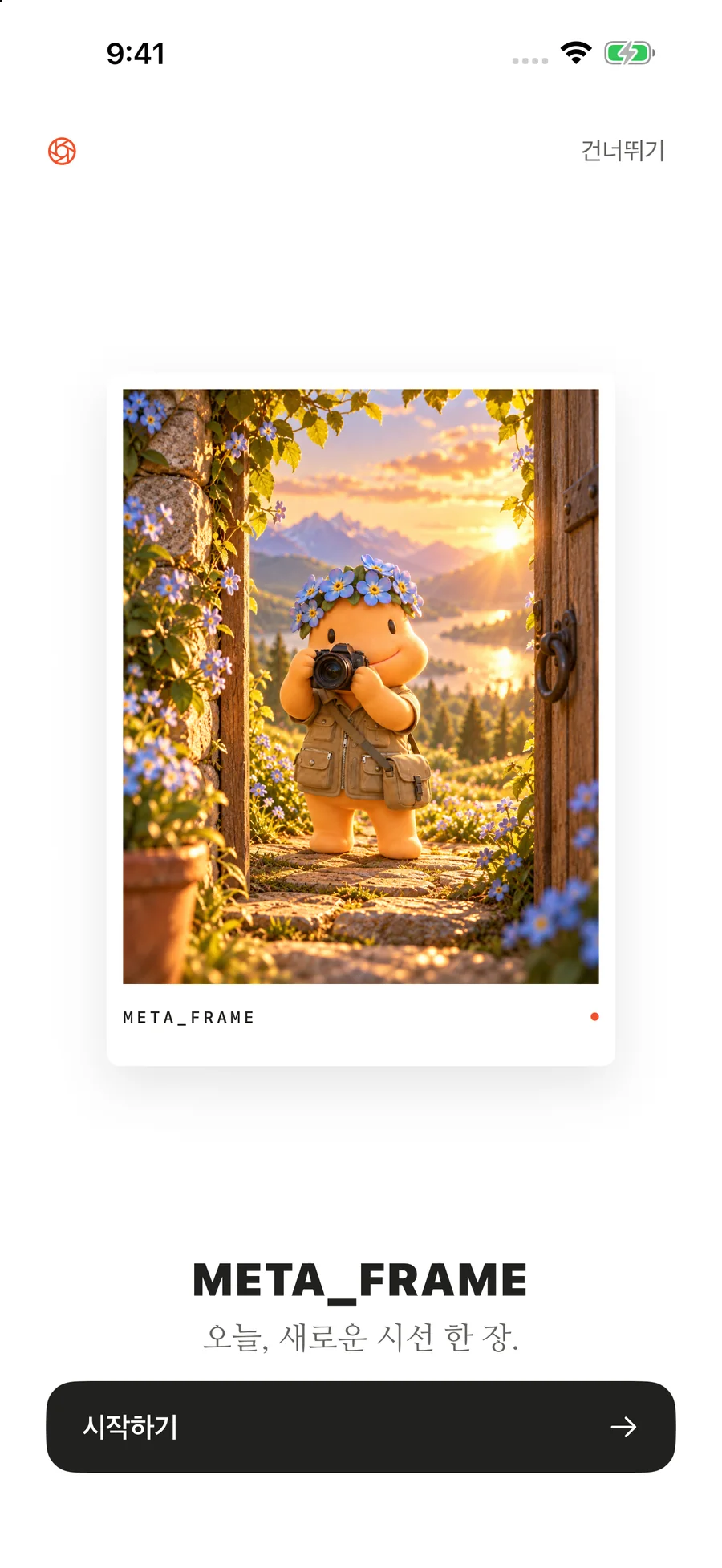
The META_FRAME welcome screen, starting with Heugi.
View larger screen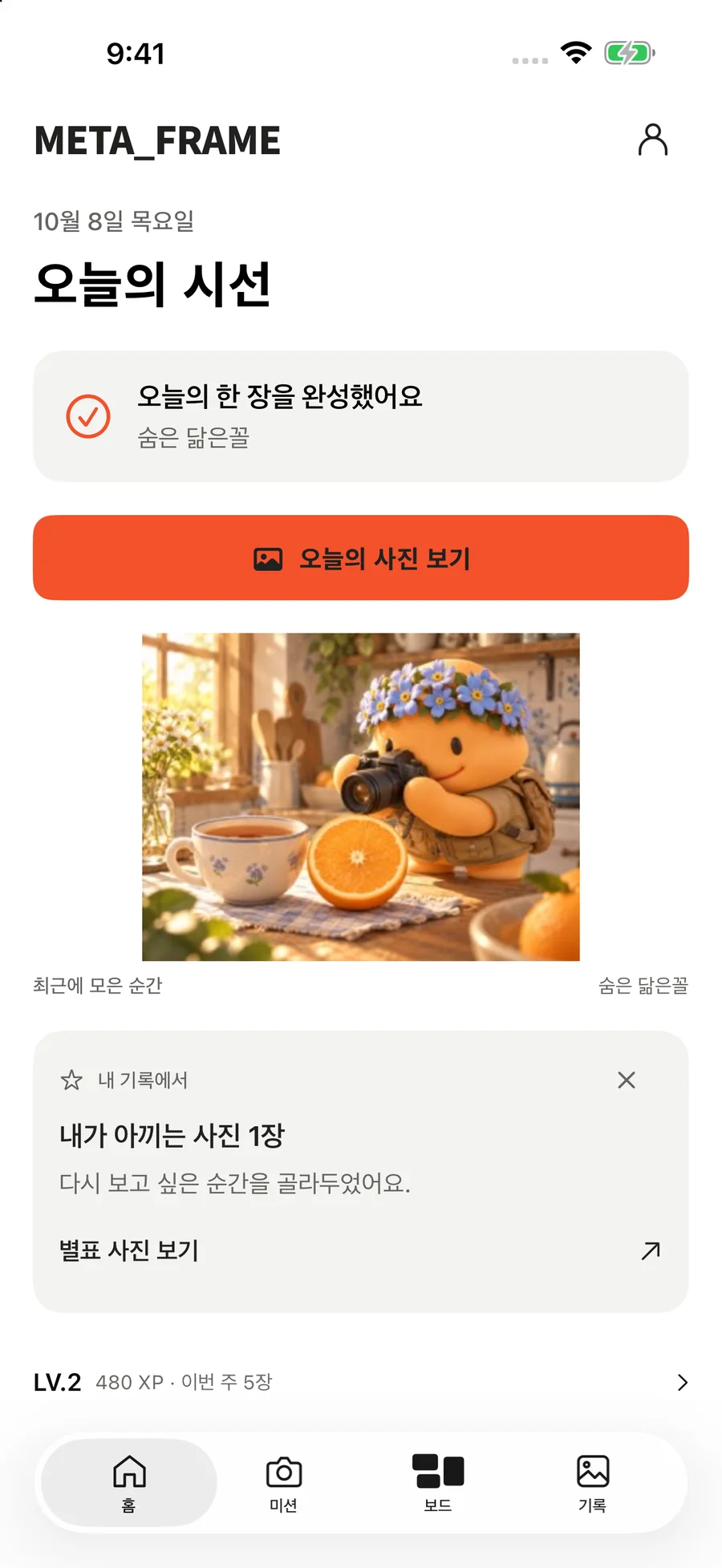
The home leads to today’s mission, recent photos and starred records.
View larger screen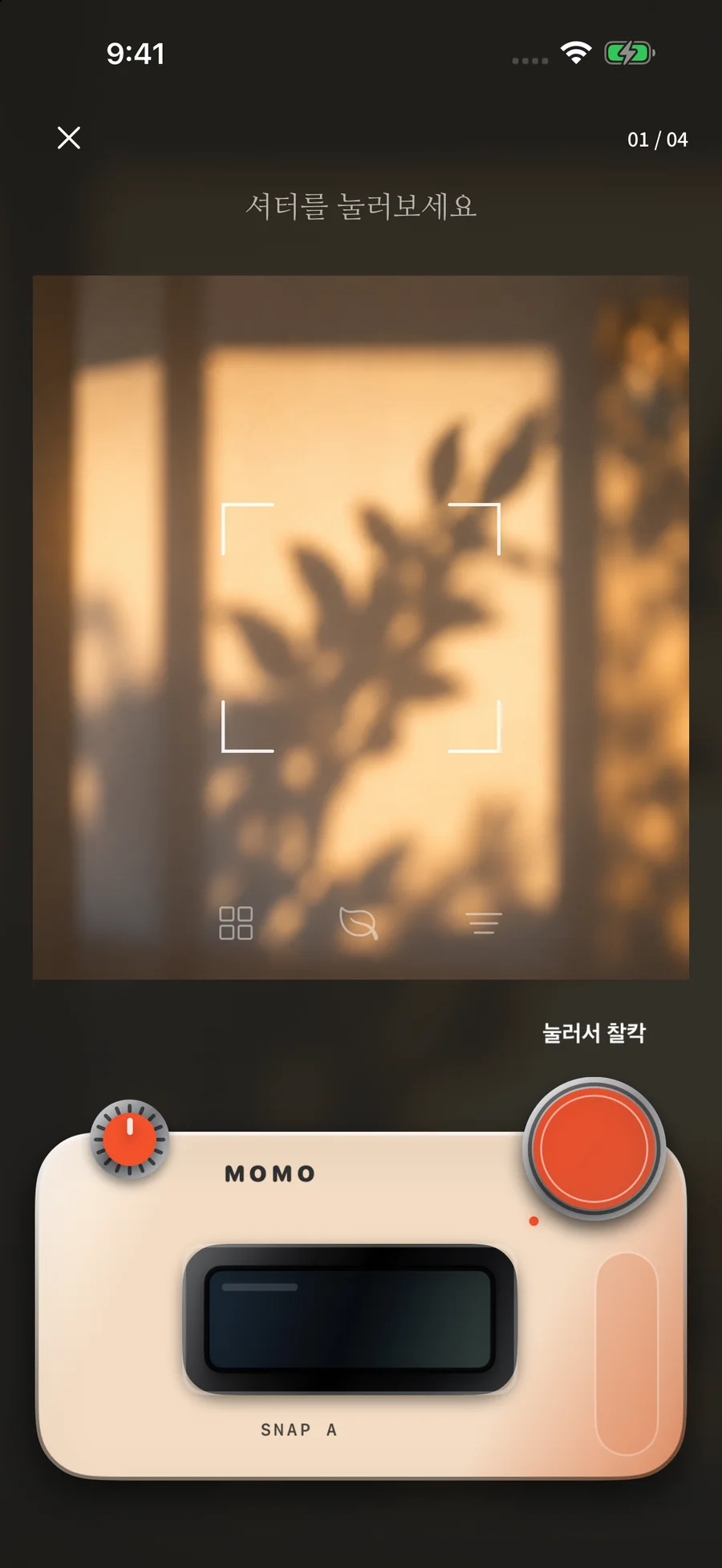
Press the camera-style shutter to draw a mission candidate.
View larger screen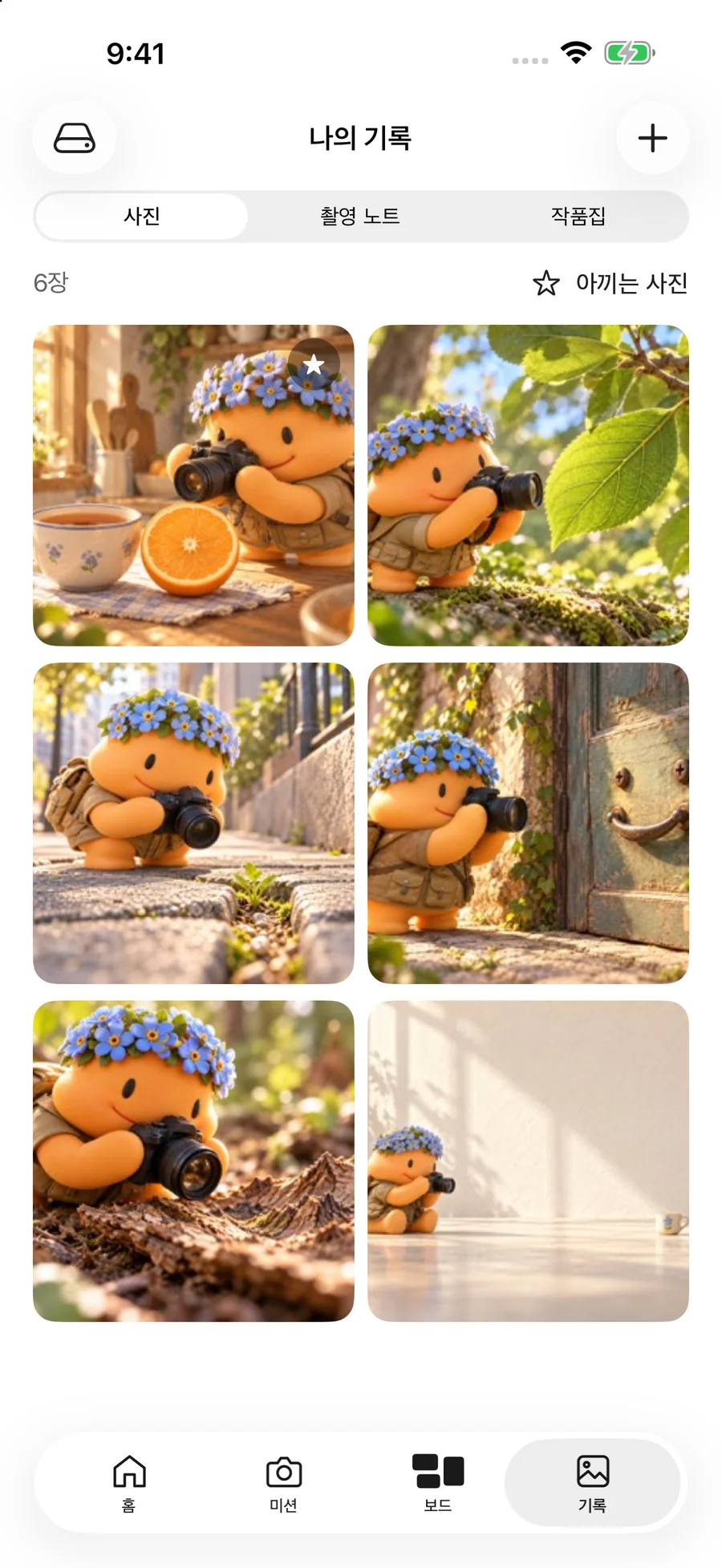
Revisit photos, shooting notes and photo books, and view starred photos together.
View larger screenMETA_FRAME · iPhone
Pick a mission, capture it your way, and keep the memory.
Download on the App StoreAPP INFORMATION & SUPPORT
Read the app-specific documents for photo and record handling, storage, permissions and usage guidance.